![spl-siana-imagotype-color.svg]](https://help.spalopia.app/hubfs/spl-siana-imagotype-color.svg)
During the initial setup of your centre, the expiry period for gift vouchers is defined based on the information you provided.
If you need to modify it at any time, you can do so from the following section of the system:
Settings > Payments > Config > Gift Vouchers > Expiration rules
📌 Note: Only users with the spa manager role can make this change.
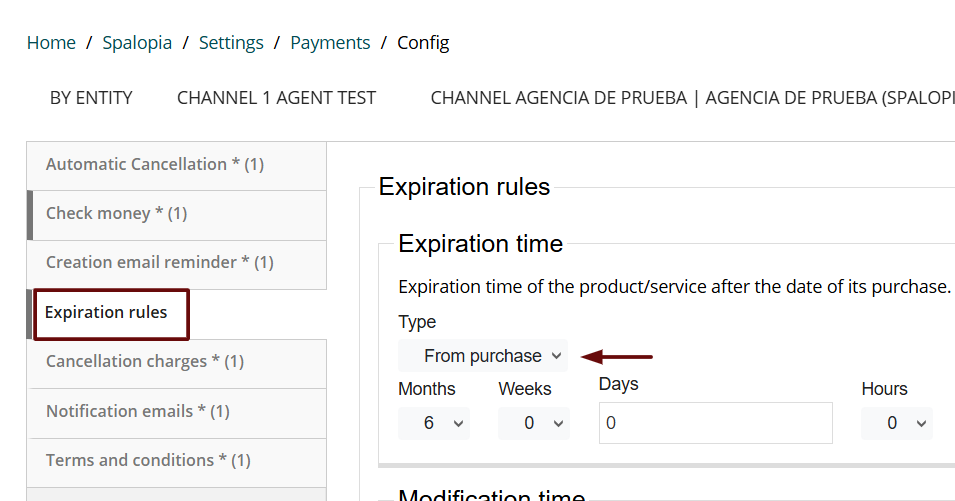
Expiry period configuration options
In this section, you can define the validity of gift vouchers based on their purchase date.
You have three available options:
-
Never
The gift voucher will not have an expiry date.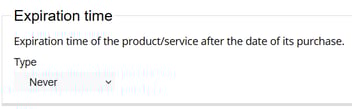
-
From purchase
The gift voucher will be valid for the period you define (months, weeks, days, or hours).
💬 For example: 12 months from the purchase date.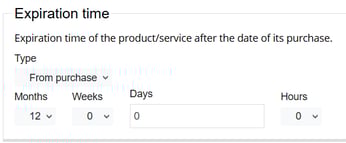
-
Fixed date
Sets a specific date on which the gift vouchers will expire.
💬 For example: valid until 31/12/2025.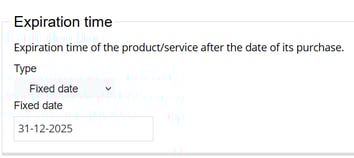
Remember to SAVE your changes before leaving the page.
📩 If you have any questions during the process, please write to soporte@spalopia.com