![spl-siana-imagotype-color.svg]](https://help.spalopia.app/hubfs/spl-siana-imagotype-color.svg)
Siana allows you to integrate the Stripe payment gateway to manage your reservation payments.
To start the process, you must send an email to soporte@spalopia.com to request the activation of this payment method.
Once it is confirmed that the environment is ready, you must continue with the configuration through the following steps:
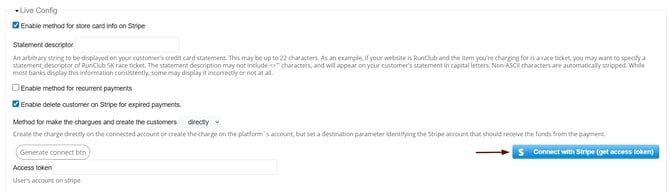
- Access the link provided by the team or go directly to the path Settings > Payments > Payment methods to locate the line created under the Stripe payment method.
- Click the Connect with Stripe (Get access token) button inside the Live Config section.
- Log in to your Stripe account and follow the indicated steps.
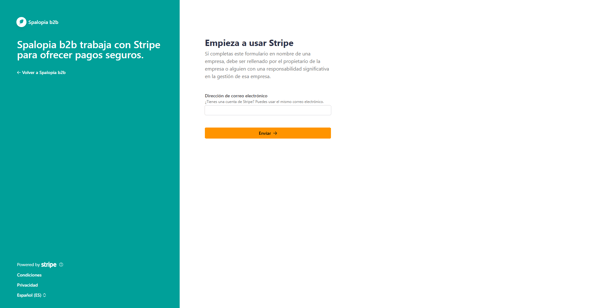
- After completing the process in Stripe and automatically returning to the back office, click the blue Stablish Connection button.
- Save the changes, re-accessing the Stripe line to confirm that the generated access code has been correctly registered.
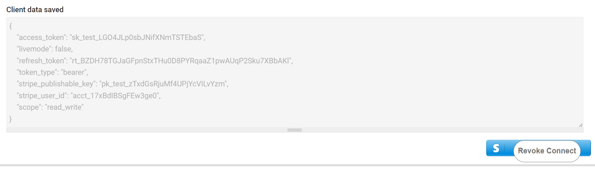
- Notify soporte@spalopia.com after performing the verification so that internal tests can be carried out and the integration is confirmed as finalized.
📩 If you have any questions during the process, please do not hesitate to write to us at soporte@spalopia.com